


How to Check If a Keyword Is Blocked in Google Ads
You’ve launched your campaign, the ad has been running for hours, but the stats show zero impressions. If your landing page is fine, your budget is funded, and everything looks okay — the issue might be hiding in one or more grayhat keywords that sit right on the edge of Google Ads’ policy rules.
The tricky part? It’s not always clear whether Google is actually blocking the keyword or just throttling it. Let’s go over the methods that really work — so you can diagnose the problem fast, instead of wasting money and accounts.
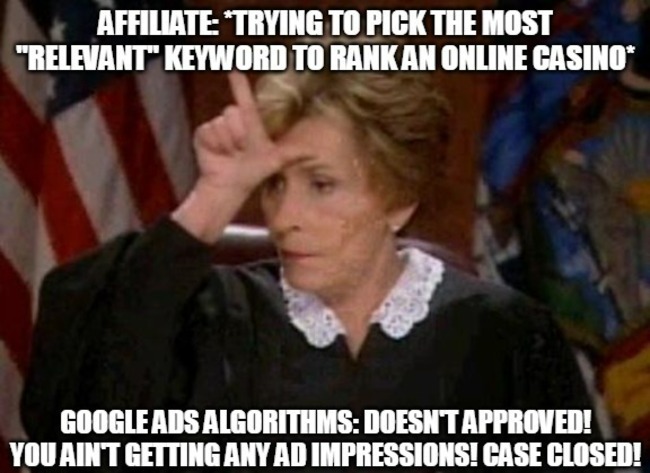
Check the Official Keyword Status in Your Ads Dashboard
This one’s obvious, but often overlooked. Go to your Keywords tab in Google Ads and check the Status column. That’s where you’ll see Google’s official verdict. If you see statuses like “Disapproved” or “Not eligible due to policy violation,” that keyword is completely blocked.
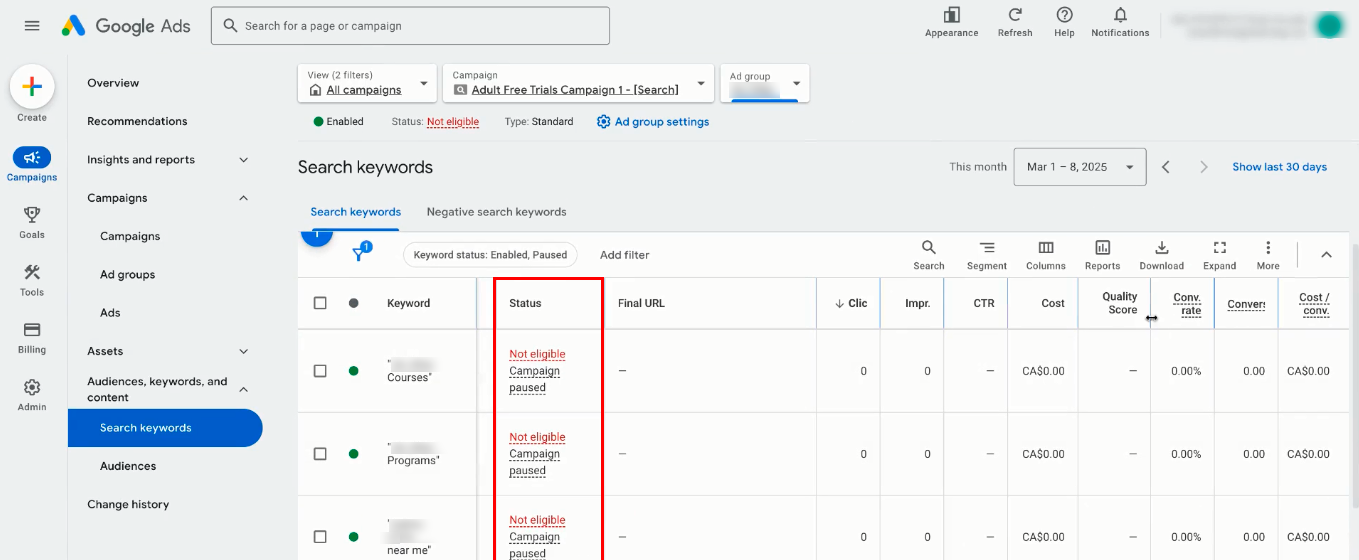
However, experienced affiliates note that you should also watch for softer signals — like “Approved (limited)” or “Not showing due to policy violation.” This usually means that your ad can show, but only to a limited audience or under specific conditions (for example, certain geos or user categories).
Sometimes the keyword even says “Approved”, yet you’re still getting no impressions. That can be an early sign that Google has silently downgraded the Quality Score. And remember: new or edited ads always go through an initial and secondary review phase, which can take anywhere from a few minutes to 24 hours — so temporary “no show” periods are normal.
Diagnosing Without Hurting Your CTR
Typing your keyword into Google’s search bar to see if your ad appears is a bad idea. If you keep viewing your own ad without clicking it, you’ll damage your CTR. While one user’s missing clicks won’t tank performance in a large-scale campaign, there’s a safer way: use Google’s built-in Ad Preview and Diagnosis Tool.
It shows whether your target audience sees the ad for a specific keyword — and if not, why not. Sometimes the tool even displays the exact message: “Your ad isn’t showing due to this keyword.”
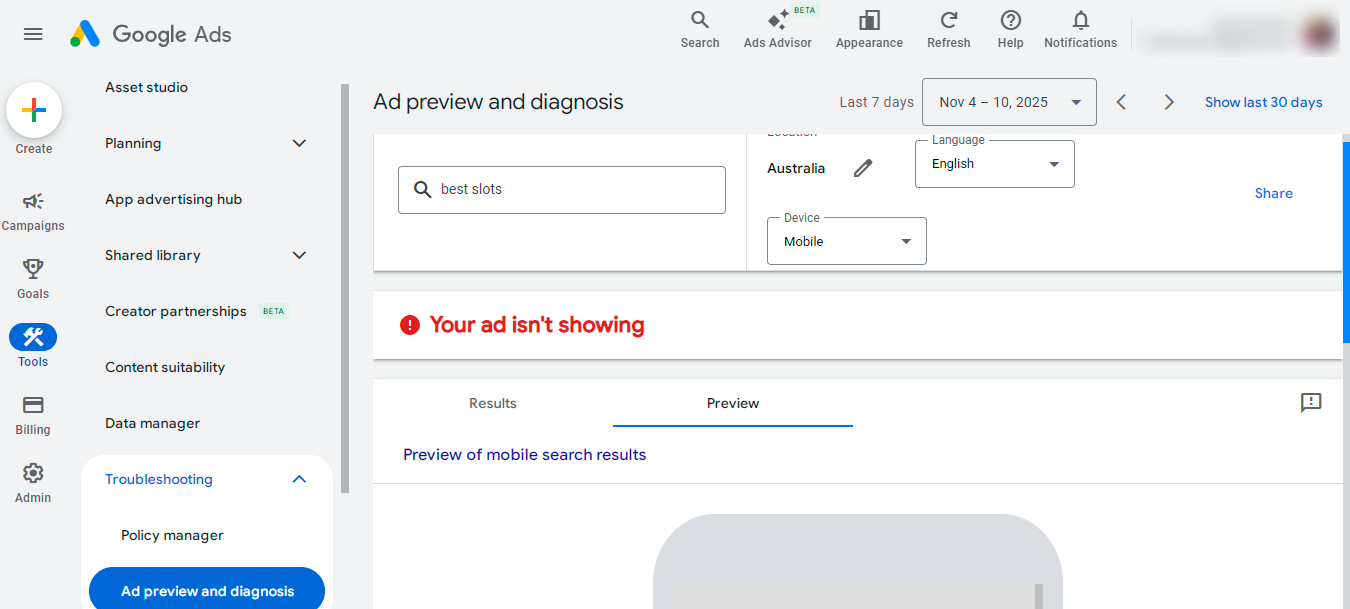
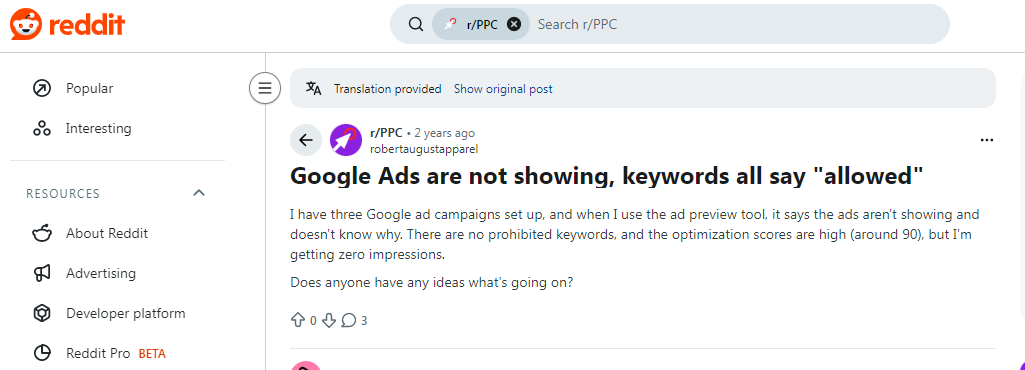
In affiliate chats and Reddit threads, webmasters often mention a frustrating scenario — the preview tool says “Ad not showing,” but gives no explanation. In that case, you’ll need to dig deeper.
Alternative Ways to Isolate the Problem
If the standard tools don’t give you a clear answer, move to controlled testing. The goal here is to create conditions where the only variable is the suspicious keyword.
The most reliable method (and one that gets recommended on every affiliate forum) — сreate a completely clean test environment.
-
Start a new campaign and ad group.
-
Use a neutral, 100% white landing page (even a blank WordPress page works).
-
Add only one exact-match keyword.
If after 24 hours there are still zero impressions — the problem is almost certainly the keyword itself. That said, don’t rule out the possibility of a bid that’s too low. Even the most relevant keyword won’t win impressions if your bid can’t compete in the auction.
Of course, farming a fresh Google Ads account just for testing can be expensive and risky. One wrong setup and you’re banned — with no answers. That’s why many solo affiliates and teams now use trusted agency ad accounts even for diagnostics. With YeezyPay, you can rent a pre-warmed Google Ads account that already has platform trust and can be funded via crypto.
By connecting your farmed accounts under an agency account, you get a much safer testing “sandbox.” Google’s algorithms treat these accounts more leniently, allowing you to test questionable keywords without endangering your core setup.
You can also consult directly with a YeezyPay manager — someone who talks to Google Ads support daily and can share real insider insights on keyword issues.
A popular test setup looks like this:
-
Create a minimal test campaign with a daily budget of $10–15.
-
Add only the suspicious keyword in exact match.
-
Write a simple, generic ad.
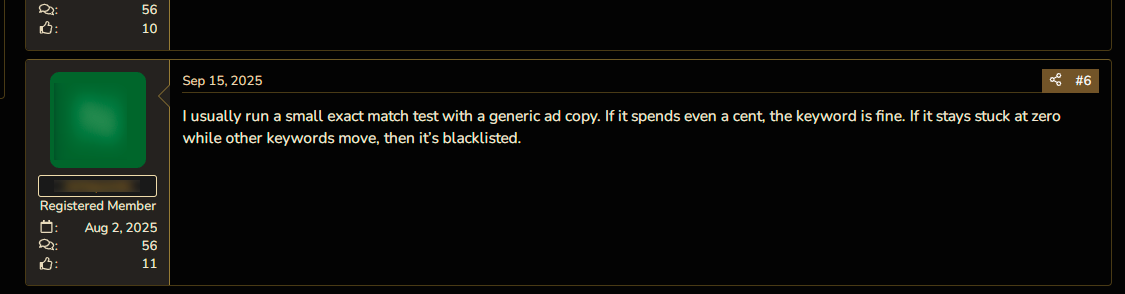
Then let it run for a few hours. If there’s even a $0.01 spend, the keyword is probably allowed. But if impressions and spend stay at zero — while other campaigns are active — that’s a clear sign your keyword is on the blacklist.
It’s Not Always the Keyword’s Fault
Sometimes the ad still doesn’t run, even when the keyword is completely legit. That’s because Google evaluates the entire funnel, not just the keyword.
1. Budget and bids. Sounds basic, but even experienced buyers overlook it. If your daily budget is too low or your CPC bid is far below the market, your ad may never enter the auction.
2. Negative keywords. Double-check that your main keyword doesn’t accidentally overlap with a negative keyword at the campaign or ad group level. It’s one of the most common — and annoying — causes of zero impressions.
3. Keyword + Landing Page mismatch. You can bid on a harmless keyword like “health tips,” but if your landing page aggressively sells “miracle weight-loss pills,” Google’s AI will catch the mismatch and restrict or block impressions. Make sure your content at least partially aligns with the keyword, and that your landing page loads fast.
4. Hidden Quality Score drop. This one’s sneaky. A keyword can be “approved,” but quietly assigned a QS of 1/10 — effectively a soft ban. Your ad technically enters the auction, but the bid is so uncompetitive it never gets shown.
Here again, account trust plays a major role. Working through high-trust agency accounts from YeezyPay can help offset this effect — since Google’s system inherently gives a small boost to trusted accounts. Even a QS 1/10 keyword might start receiving some impressions — enough to gather data and optimize further.
More Tips for Working With Keywords in Google Ads

Your main lever in keyword optimization is relevance. That’s why experienced affiliates often use Dynamic Keyword Insertion (DKI) — {KeyWord:Default Text} — directly in their headlines. This tells Google’s algorithm that your ad directly matches the user’s search intent.
If you can’t raise the QS for a specific keyword, stop forcing it. Instead, test close variations. For example, the keyword “buy weight-loss supplements” might have a QS of 2/10, but “pectin-based capsules for weight control” could score 7/10.
Focus on what works. Even switching the match type to exact match can sometimes give you a small QS bump.
Also, don’t rely solely on DKI. Another effective trick is to include your main keyword both as a standard headline and via DKI — and also mention it in the ad description.
When users type their query, Google bolds matching phrases, making your ad stand out visually — which boosts CTR and, by extension, Quality Score.
Final Thoughts
Diagnosing a problematic keyword in Google Ads is always a process of elimination.
Affiliates often have to rule out one possible cause after another until the real issue surfaces. In gray-hat verticals, speed and safety during these tests are everything. Even a small mistake can cost you not just time and money — but a profitable campaign.
That’s why many teams delegate the infrastructure side — trusted accounts, billing, and verification — to YeezyPay, the agency account rental service for Google Ads.
With trusted agency accounts, affiliates can focus on finding profitable keywords and scalable funnels — instead of constantly fighting Google’s algorithms and randomness.


